 Screenshots Clipboard
How to copy a full-page screenshot to your clipboard
In Microsoft Edge or Firefox, press Ctrl+Shift+S, choose the full page, then press Copy: the whole page goes on your clipboard as one picture. Chrome’s own full-page screenshot saves a file instead, and your computer’s screenshot keys copy only what fits on the screen.
By Manish Kalyan, who makes Screenshots Clipboard. .
In a hurry? Screenshots Clipboard does this in one click. See how
How do I copy a full-page screenshot in Edge?
Edge has its own screenshot tool that captures the whole page and copies it.
- Open the page and press Ctrl+Shift+S.
- Choose Capture full page.
- Press Copy, then paste with Ctrl+V.
How do I copy a full-page screenshot in Firefox?
Firefox’s screenshot tool can save the full page and copy it in the same step.
- Press Ctrl+Shift+S, or right-click an empty part of the page and choose Take Screenshot.
- Choose Save full page.
- Press Copy, then paste with Ctrl+V.
Can Chrome copy a full-page screenshot to the clipboard?
Not by itself. DevTools’ Capture full size screenshot saves a PNG to your downloads, so open it and copy it from there, or drag the file into your email or document.
Why do my screenshot keys copy only one screen?
Win+Shift+S and Cmd+Ctrl+Shift+4 capture what’s on your screen, nothing below it. A long page needs several shots, or a tool that scrolls for you.
What goes wrong with long pages?
Check the middle and the bottom of the picture before you paste it.
- Blank pictures halfway down: the page loads them only as you scroll. Scroll to the bottom and back first.
- The header on every screen: some tools show a sticky header again each time they scroll.
- Only one screen of an app: web mail, chats and dashboards scroll inside a panel, so a full-page capture sees one screen of it.
Where Screenshots Clipboard helps
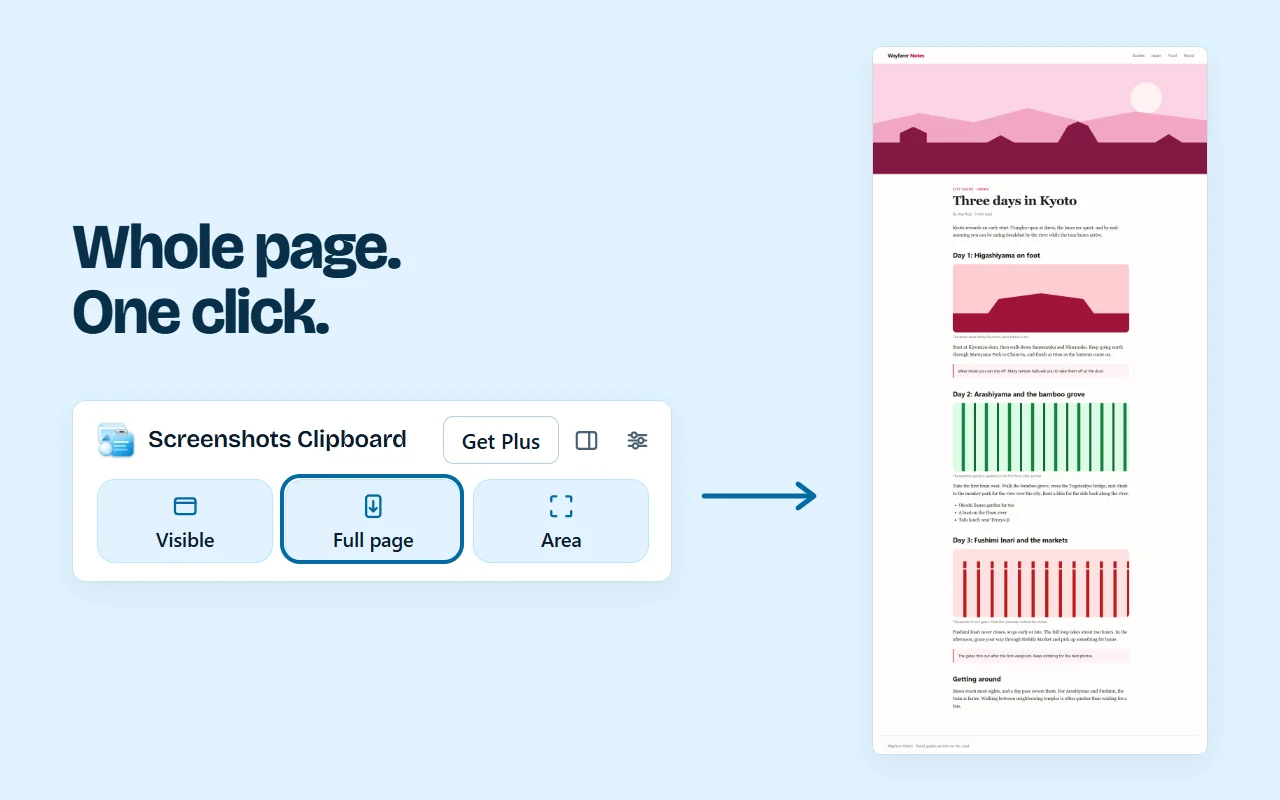
Screenshots Clipboard is a Chrome extension that copies the whole page, top to bottom, the moment you click Full page or press Alt+Shift+F. There’s no file to open: paste the full page straight into an email, a doc or a ticket, with a sticky header shown once. It’s free; full pages that wait for parts that animate as you scroll come with Plus.
Questions
Is there a shortcut to copy a full-page screenshot in Chrome?
Not built in. Chrome’s DevTools saves full pages as a file; an extension can copy them with one shortcut.
Can I paste a full-page screenshot into Gmail?
Yes. Ctrl+V puts it in the message itself as one picture, top to bottom.
Does a full-page screenshot include the address bar?
No. Edge, Firefox and Chrome’s DevTools capture the page only, so add its address next to it when it matters.
Over to you
Which long page do you most often need in one picture?
Write to us, and a person replies. Write to us