 Screenshots Clipboard
How to save a screenshot from your clipboard as a file
On Windows, open Paint, press Ctrl+V, then choose File > Save as and pick PNG. On a Mac, open Preview and choose File > New from Clipboard, then File > Save. Both turn the picture on your clipboard into a file you can attach, upload or keep.
By Manish Kalyan, who makes Screenshots Clipboard. .
In a hurry? Screenshots Clipboard does this in one click. See how
How do I save a clipboard screenshot on Windows?
Paste it into Paint and save it. Paint is free and already on Windows.
- Open Paint from Start.
- Press Ctrl+V. The screenshot appears on the canvas.
- If you see a white edge around it, select just the picture and press Crop.
- Choose File > Save as, pick PNG, name it and save.
How do I save a clipboard screenshot on a Mac?
Preview makes a new file from whatever picture is on your clipboard.
- Open Preview.
- Choose File > New from Clipboard.
- Choose File > Save, pick PNG or JPEG, then save.
PNG or JPG: which should I pick?
PNG for screenshots: text and edges stay sharp. JPG makes smaller files and suits photos more than screens full of text.
How do I get screenshots saved as files from the start?
Skip the clipboard step. On Windows 11, Snipping Tool saves each shot to Pictures > Screenshots when auto-save is on, and a Mac saves Cmd+Shift+4 shots to your desktop.
Where did my copied screenshot go?
It lives on the clipboard only until you copy something else or restart. Save it before you copy anything new.
Where Screenshots Clipboard helps
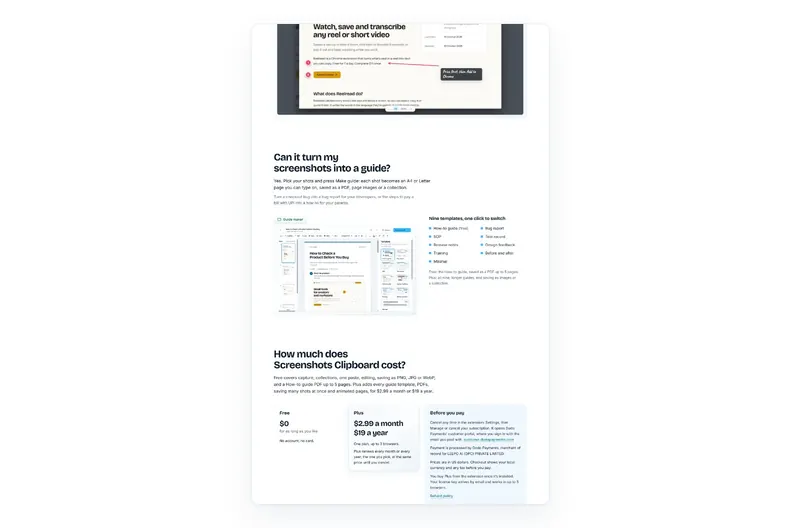
Screenshots Clipboard is a Chrome extension that copies each shot and keeps it at the same time, so you never have to rescue a screenshot from the clipboard. Paste it straight away, or save any shot as PNG, JPG or WebP when you need a file. It’s free. Plus is $2.99 a month or $19 a year.

Questions
Can I save several clipboard screenshots at once?
Your clipboard holds one picture at a time, so save each one before you copy the next. With Windows clipboard history on, Win+V lets you paste older ones into Paint one by one.
Does saving from the clipboard lower the quality?
Not as PNG: you keep every pixel. JPG squeezes the picture, so small text can blur a little.
Where does Windows save screenshots?
Snipping Tool saves them to Pictures > Screenshots when auto-save is on. Shots you only copied aren’t saved anywhere until you paste them.
Over to you
Do you keep your screenshots as files, or paste them and move on?
Write to us, and a person replies. Write to us