 Screenshots Clipboard
Screenshot not copying to the clipboard? Why, and how to fix it
Most of the time the shot was saved as a file instead of copied, or something you copied later replaced it. On Windows, use Win+Shift+S, which puts every snip on your clipboard. On a Mac, add Control: Cmd+Ctrl+Shift+4 copies the shot instead of saving it to your desktop.
By Manish Kalyan, who makes Screenshots Clipboard. .
In a hurry? Screenshots Clipboard does this in one click. See how
Why didn’t my screenshot copy on Windows?
Usually the key you pressed saved a file, or the snip never finished. Win+Shift+S copies every snip the moment you take it.
- Press Win+Shift+S, drag over what you need, then paste with Ctrl+V.
- If Win+Shift+S does nothing, open Snipping Tool from Start once, then try the keys again.
- In Snipping Tool, open Settings from the ⋯ menu and check its copy and save options.
- If pasting stopped working everywhere at once, close Snipping Tool or restart your computer.
Why didn’t my screenshot copy on a Mac?
Cmd+Shift+3 and Cmd+Shift+4 save a file to your desktop. Hold Control as well, and the shot goes on your clipboard instead.
- Press Cmd+Ctrl+Shift+4 and drag over what you need, or Cmd+Ctrl+Shift+3 for the whole screen.
- Paste with Cmd+V.
- Already took it the usual way? Control-click the thumbnail in the corner of the screen and copy it from there.
Why won’t my screenshot paste when I did copy it?
Your clipboard holds one thing at a time, and some places only take typed text.
- You copied something after the shot, so it replaced the picture. Take it again, or pick it from clipboard history (Win+V on Windows, once it’s on).
- The box only takes text, like many form fields. Paste into a document, an email or a chat instead.
- You’re in a remote desktop or a virtual machine that doesn’t share its clipboard with your computer.
- A clipboard manager or a security tool clears the clipboard. Pause it and try again.
Can Chrome copy a screenshot to the clipboard?
Chrome’s own DevTools screenshot saves a file to your downloads, not the clipboard. Edge and Firefox both open a screenshot tool with Ctrl+Shift+S that can copy what you take.
How do I check what’s on my clipboard?
Paste into a blank document or an email draft. On Windows, Win+V shows your recent copies once clipboard history is on.
Where Screenshots Clipboard helps
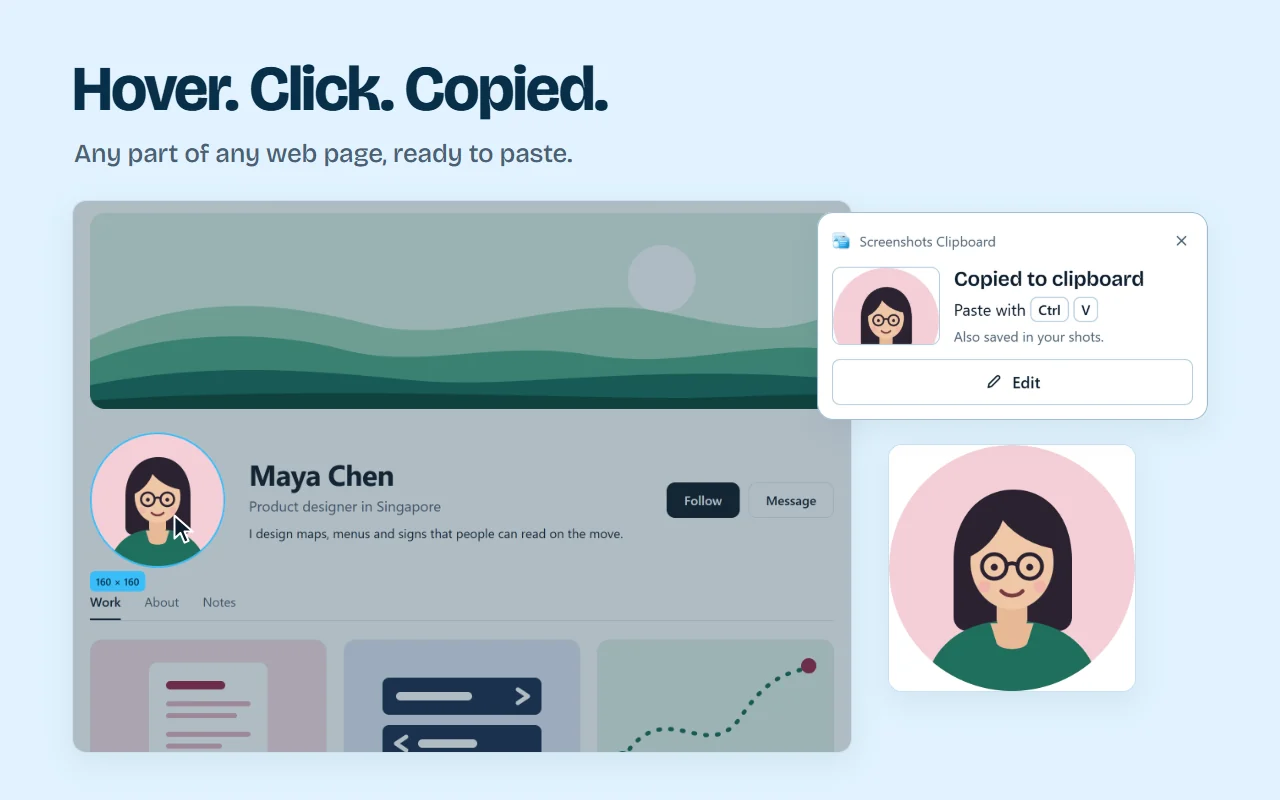
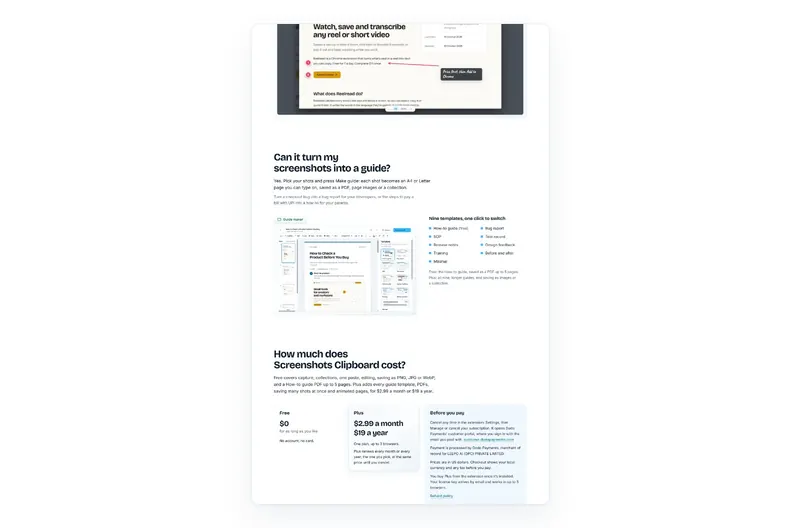
Screenshots Clipboard is a Chrome extension that copies each shot the moment you take it: the visible part, the full page or any area you drag or click. A Copied note tells you it’s ready, so you paste with confidence. Every shot also stays in your browser until you delete it, so copying something else never loses it. It’s free. Plus is $2.99 a month or $19 a year.
Questions
Does Print Screen copy to the clipboard?
On Windows, Print Screen copies the whole screen or opens Snipping Tool, depending on your settings. Win+Shift+S is the surest way to copy just a part.
How long does a screenshot stay on the clipboard?
Until you copy something else or restart. Windows clipboard history keeps your last 25 copies, but clears them when you restart, except the ones you pin.
Why does Win+Shift+S save a file as well?
Snipping Tool on Windows 11 also saves each shot to Pictures > Screenshots when auto-save is on. The copy on your clipboard is the same picture.
Over to you
Where does your screenshot usually go missing: Windows, Mac or the browser?
Write to us, and a person replies. Write to us
Sources
- Microsoft: how to use Snipping Tool, checked 4 Nov 2026
- Microsoft: use Snipping Tool to capture screenshots, checked 4 Nov 2026
- Apple: take a screenshot on Mac, checked 4 Nov 2026
- Microsoft: clipboard in Windows, checked 1 Nov 2026
- Chrome DevTools: Command Menu, checked 1 Nov 2026
- Microsoft Edge: screenshot a webpage, checked 1 Nov 2026
- Mozilla: take screenshots in Firefox, checked 5 Nov 2026