 Screenshots Clipboard
How to see your clipboard history of screenshots
On Windows, press Win+V and select Turn on: from then on Win+V shows your last 25 copies, screenshots included, until you restart. On a Mac with macOS Tahoe 26 or later, press Cmd+Space, then Cmd+4, to see what you copied in Spotlight.
By Manish Kalyan, who makes Screenshots Clipboard. .
In a hurry? Screenshots Clipboard does this in one click. See how
How do I turn on clipboard history on Windows?
Press Win+V and select Turn on. After that, Win+V lists your recent copies, and a click pastes one.
- Press Win+V and select Turn on, or go to Settings > System > Clipboard.
- Take your screenshots with Win+Shift+S as usual.
- Where you want them, press Win+V and click each shot to paste it.
What does Windows clipboard history keep?
Your last 25 copies, up to 4 MB each. It clears them when you restart, except the ones you pin.
- Pin a shot you’ll need again from the Win+V list, and it stays after a restart.
- A very large screenshot can go over the 4 MB limit and not show up.
- To share copies between your PCs, turn on Clipboard history across your devices. It works with your Microsoft or work account.
- To wipe the list, select Clear under Clear clipboard data. Pinned items stay.
Is there clipboard history on a Mac?
Yes, in Spotlight on macOS Tahoe 26 and later. Press Cmd+Space, then Cmd+4 or the Clipboard button, and allow it the first time.
- Type to search what you copied, select an item and press Cmd+C, then paste with Cmd+V.
- To clear it, click More beside the search field and choose Clear History.
- Apple notes that private things you copy can show up there, so clear it on a shared Mac.
- On older macOS there’s no built-in history: paste each shot before you take the next.
Why isn’t my screenshot in clipboard history?
It was saved as a file instead of copied, it was taken before history was on, or the computer restarted since.
- On a Mac, Cmd+Shift+4 without Control saves to your desktop, not the clipboard.
- On Windows, the list starts only after you turn history on.
- After 25 more copies, the oldest ones drop off.
Is clipboard history good for pasting many screenshots?
It saves you trips back to each screenshot, but you still paste them one at a time, newest at the top. Our guide to pasting many screenshots at once shows faster ways.
Where Screenshots Clipboard helps
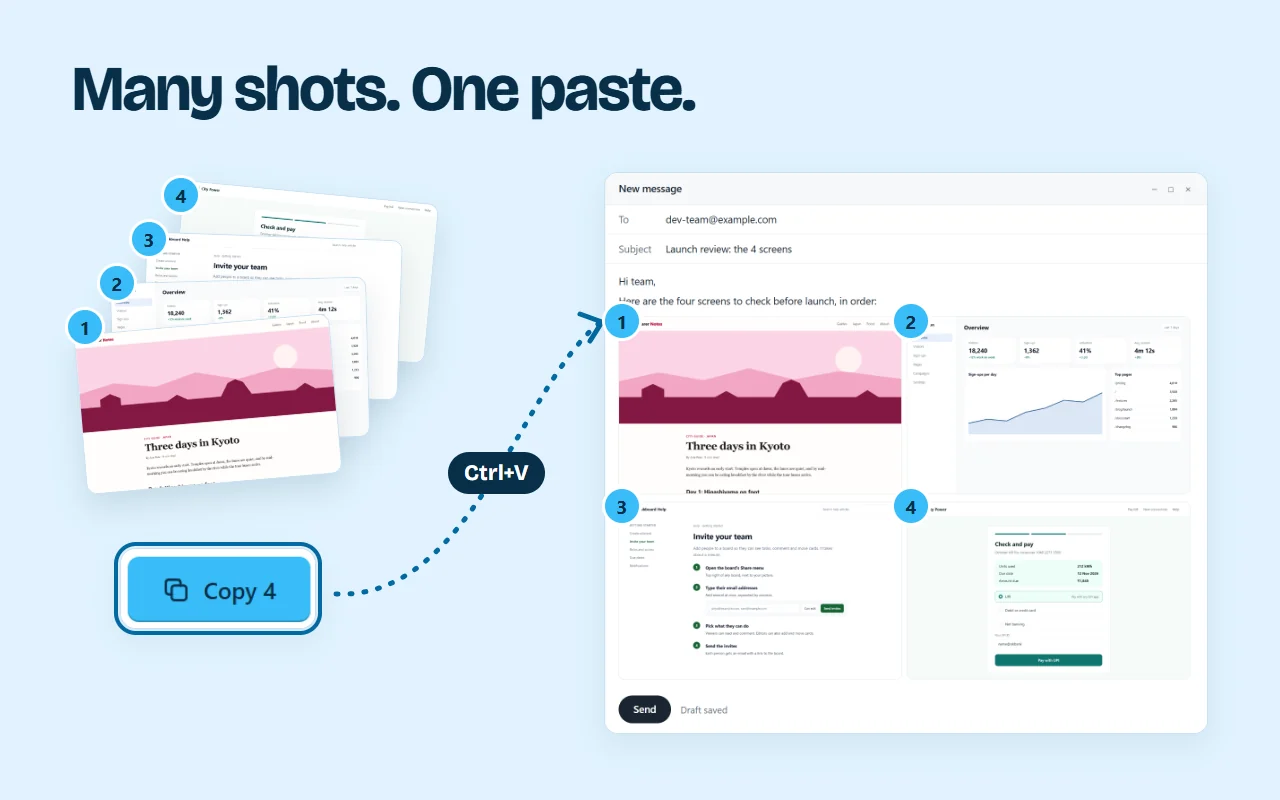
Screenshots Clipboard is a Chrome extension that keeps every shot you take in your browser until you delete it, so a screenshot is never lost to the next copy or a restart. Each one goes on your clipboard as you take it. Later, pick any you took before, press Copy once and paste them all, in order. Search them by title or site, and sort them into collections. It’s free. Plus is $2.99 a month or $19 a year.

Questions
Does clipboard history survive a restart?
On Windows, only the items you pin do. Everything else clears when the computer restarts.
How do I turn clipboard history off on Windows?
Go to Settings > System > Clipboard and turn Clipboard history off.
Can someone else see my clipboard history?
Anyone using your computer can open it with Win+V or Spotlight. Clear it first, and on Windows leave syncing across devices off if you don’t need it.
Over to you
How many screenshots do you copy in a normal workday?
Write to us, and a person replies. Write to us