How do I get the script of a reel?
Open the reel, click the Reelread icon and press Transcribe. The script appears in the side panel, ready to read and copy.
- Open the reel on Instagram, TikTok or YouTube Shorts in Chrome on your computer.
- Click the Reelread icon, then press Transcribe. The reel plays once from the start.
- Read the opening line, then copy the script, or star the reel into a Hooks nest in Saved.
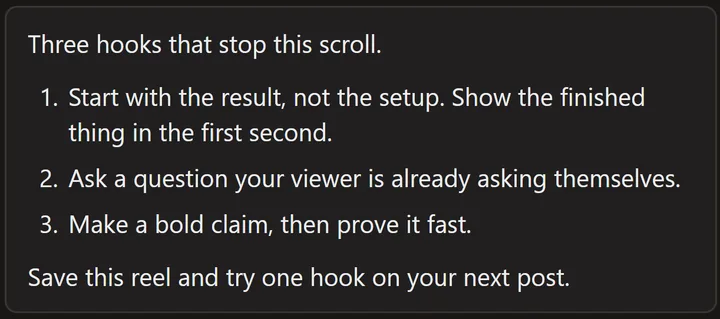 A demo reel we made ourselves, about hooks.
Line up a few scripts on the same topic and you'll see how their openers are built. Send one to your own AI chat with "Write 3 hooks like this" to draft your own.
What can't it do?
It writes down what's said: it doesn't score hooks, count views or read text on the screen. It works on one reel at a time, on a computer.
Questions
Can I use someone else's script?
Use it to learn, and quote it with credit. A reel's script is its creator's words, so don't post it as your own.
Can I get the script of my own reel?
Yes, and turn it into a caption or a post: see how to turn your reel into a caption, blog post or thread.
Can I get the script of a TikTok or a YouTube Short?
Yes, the same way. See TikTok transcripts and YouTube Shorts, Facebook and X.
Video ki script kaise nikale?
Computer par Chrome ya Edge mein reel kholiye, Reelread ka icon click kijiye aur Transcribe dabaiye. Reel ek baar chalegi aur uski script side panel mein text ban kar aa jayegi. Hindi reel ke liye pehle Settings mein free Hindi pack on kijiye.
Can I edit the script before copying it?
Yes. Click Edit, change any word and save. You can copy it at any time.
Is it free?
Yes: unlimited scripts for your first 5 days, then 7 a day, with Saved, Send to AI and TXT and Markdown downloads. Reelread Complete is $11 paid once for unlimited scripts and SRT subtitles. See pricing.