How do I translate an Instagram reel into English?
Transcribe the reel, then pick English and press Translate. Both happen on your computer, and the text isn't sent to a translation service.
- Open the reel on instagram.com in Chrome on your computer, click the Reelread icon and press Transcribe.
- When its words appear, pick your language under the transcript and press Translate.
- Read the translation beside the reel. The first time you use a pair of languages, it takes a little longer.
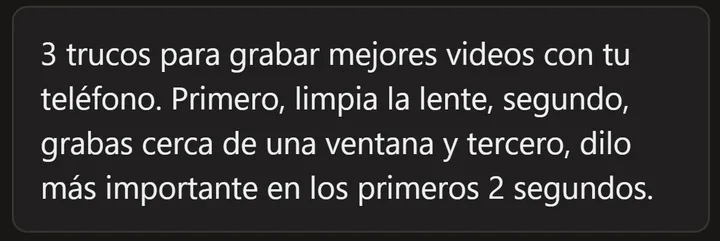 A Spanish demo reel we made ourselves, ready to translate.
What can't it do?
It gives you text: it doesn't dub the reel or put subtitles over it. Translation needs desktop Chrome 138 or newer and works where Chrome offers that pair of languages; the Translate button tells you when it doesn't.
Questions
Which languages can I translate into?
English, Hindi, Spanish, Portuguese, French, German, Italian, Arabic, Bengali, Indonesian, Japanese, Korean, Russian, Turkish, Vietnamese, Chinese, Tamil, Telugu, Marathi and Urdu, wherever Chrome offers that pair.
Can I read an English reel in Hindi, or a Hindi reel in English?
Yes. For a Hindi reel, turn on the free Hindi pack in Settings first. Reels that mix Hindi and English in one sentence haven't been tested much yet, so expect more mistakes there.
How do I translate a TikTok to English?
The same way on tiktok.com: transcribe it, then translate the text. See TikTok transcripts.
Does the reel need captions or subtitles?
No. Reelread listens to the speech, writes the transcript and translates that.
Is translation free?
Yes, and so are transcripts: unlimited for your first 5 days, then 7 a day. Reelread Complete, $11 paid once, adds unlimited transcripts and SRT subtitles. See pricing.
I'm learning a language. Should I translate everything?
Try reading the transcript in the original language first, and translate only when you're stuck. See how to learn a language with reels.