 Screenshots Clipboard
How to put screenshots side by side in one image
On Windows, open the first screenshot in Paint, drag the canvas wider, paste the second one and move it into the space, then save. On a Mac, drag both onto a blank Keynote slide and export the slide as a PNG.
By Manish Kalyan, who makes Screenshots Clipboard. .
In a hurry? Screenshots Clipboard does this in one click. See how
How do I combine two screenshots on Windows?
Paint, which comes with Windows, does it in a minute.
- Open the first screenshot in Paint.
- Drag the small handle on the right edge of the canvas until it’s about twice as wide.
- Copy the second screenshot and press Ctrl+V; it lands at the top left.
- Drag it into the empty space on the right, then save as PNG.
How do I combine two screenshots on a Mac?
Preview can’t make a picture wider, so use a blank Keynote slide.
- Open Keynote and start a presentation with a blank slide.
- Drag both screenshots onto the slide and line them up.
- Choose File > Export To > Images, then pick PNG.
- Use the picture Keynote saves.
Side by side or one above the other?
Side by side for a before and after, or two versions to compare. One above the other for steps people read in order, like a few screens in a chat message.
How do I keep a combined screenshot easy to read?
Crop each shot to the part that matters first, so the text doesn’t shrink when they share one picture.
- Crop both to the same height, so they line up.
- Leave a small gap between them, so they read as two pictures.
- Label them, for example “Before” and “After”.
- Stop at four shots; past that, nothing is readable.
Should I combine screenshots or paste them separately?
Combine them for chats and social posts, which show one picture best. Paste them separately into documents, emails and tickets, where each shot can be read on its own.
Where Screenshots Clipboard helps
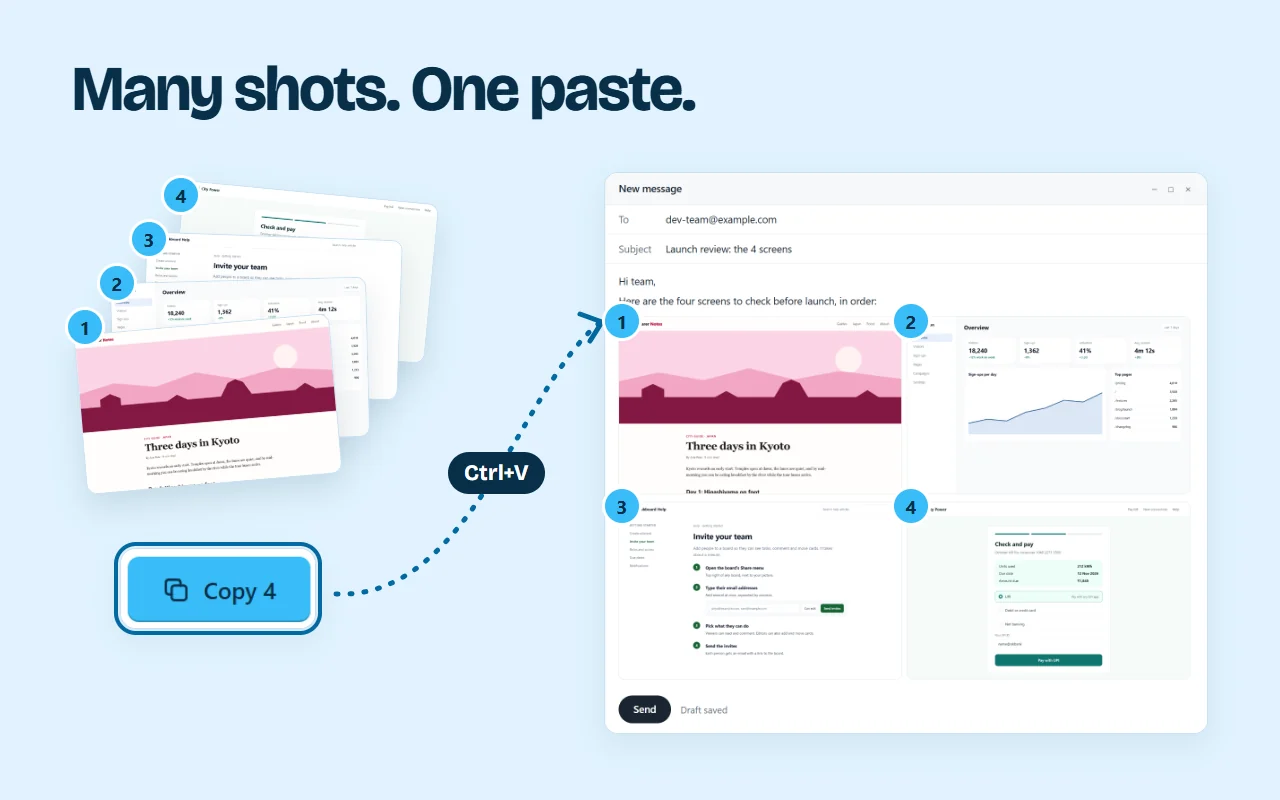
Screenshots Clipboard is a Chrome, Edge, Firefox and Brave extension that does both. In Edit, choose Layout, then Side by side, Big + 2 or 2 × 2, and drag your shots into the boxes; save the result as one picture. Or pick several shots and press Copy: a chat app gets them joined into one picture, top to bottom, and a document or email gets each as its own. Both are free. Plus is $2.99 a month or $19 a year.
It works in Chrome, Edge, Firefox and Brave on a computer.

Questions
Can I combine more than two screenshots?
Yes. Paint and Keynote take as many as fit, but keep it to four so each one stays readable.
Does combining screenshots lower the quality?
Not if you save as PNG and don’t shrink the result. Shrinking a wide picture to fit a page is what blurs the text.
Over to you
What do you most often need to show side by side?
Write to us, and a person replies. Write to us