 Screenshots Clipboard
How to take a scrolling screenshot on a Mac
A Mac can’t take a scrolling screenshot by itself: Cmd+Shift+3, 4 and 5 take only what’s on your screen. For a web page, Firefox’s Save full page and Chrome’s Capture full size screenshot take it top to bottom, for free.
By Manish Kalyan, who makes Screenshots Clipboard. .
In a hurry? Screenshots Clipboard does this in one click. See how
Can the Mac’s screenshot keys take a scrolling screenshot?
No. Cmd+Shift+3 takes the screen, Cmd+Shift+4 a part of it and Cmd+Shift+5 opens the toolbar, and each takes only what you see.
How do I take a scrolling screenshot of a web page on a Mac?
Use your browser. Both of these take the whole page, top to bottom, for free.
- Firefox: right-click the page, choose Take Screenshot, then Save full page.
- Chrome: press Cmd+Option+I, then Cmd+Shift+P, type screenshot and pick Capture full size screenshot. It saves a PNG to your downloads.
Can I take a scrolling screenshot of other apps on a Mac?
Not with the Mac’s own tools: they stop at the edge of the screen. For a long web page, the browser ways above do it.
Why does my scrolling screenshot look wrong?
Long pages trip up most tools in the same few ways. Check the middle and the bottom, not just the top.
- Blank pictures halfway down: the page loads them only as you scroll. Scroll to the bottom and back, then capture again.
- The header on every screen: some tools show a sticky header again on each screen of a long page.
- Only one screen of an app: web mail, chats and dashboards scroll inside a panel, so a full-page capture sees one screen of it.
Where Screenshots Clipboard helps
Screenshots Clipboard is a Chrome, Edge, Firefox and Brave extension that takes the whole page in one click on a Mac, top to bottom, with a sticky header shown once. Click Full page or press Alt+Shift+F, then paste it right away, save it as PNG, JPG or WebP, or keep it with your other shots. It’s free; PDFs, and full pages that wait for parts that animate as you scroll, come with Plus.
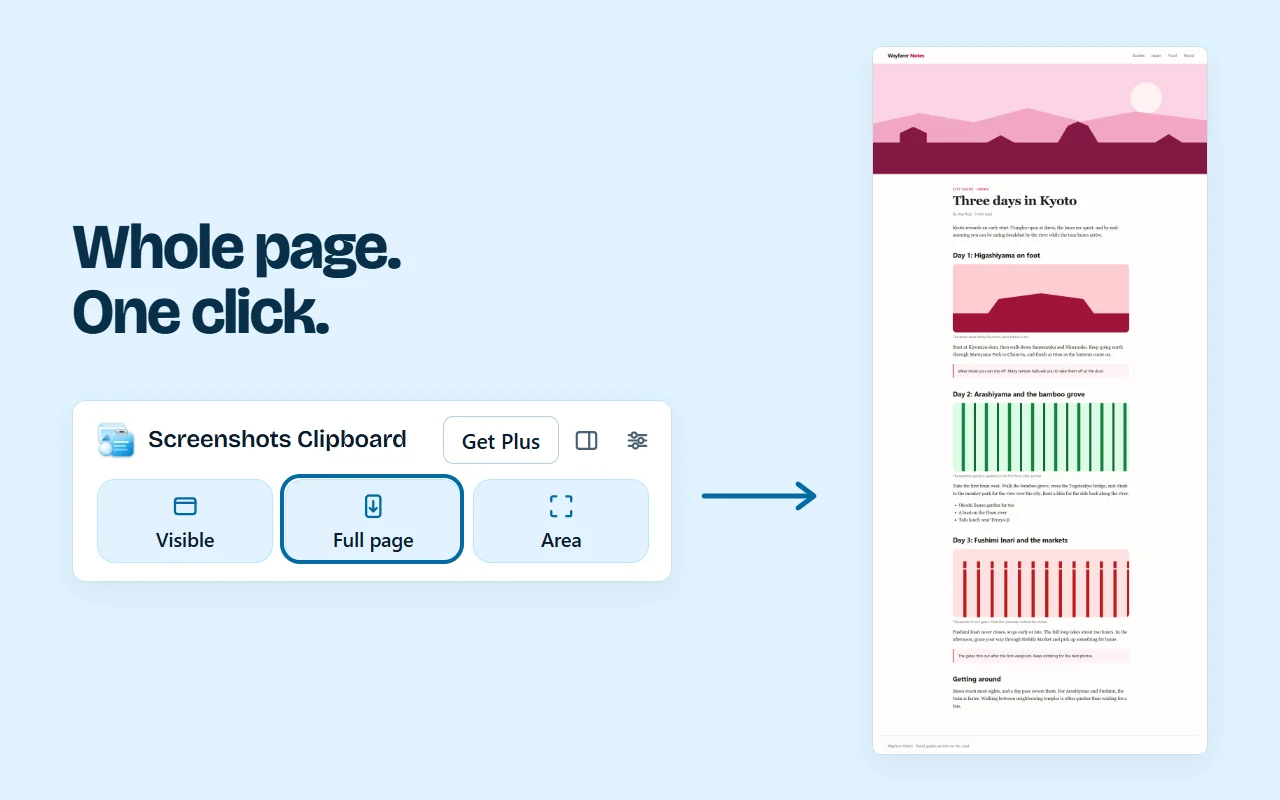
It works in Chrome, Edge, Firefox and Brave on a computer.
Questions
Does macOS have a scrolling screenshot?
No. The Mac’s screenshot keys and toolbar take only what’s on the screen, so use your browser for a long web page.
Is there a shortcut for a scrolling screenshot on a Mac?
Not in macOS. In Chrome, Cmd+Option+I and then Cmd+Shift+P gets you to Capture full size screenshot in a few keys.
Can I copy a scrolling screenshot instead of saving it?
Firefox’s screenshot tool lets you copy it. Our full-page clipboard guide shows the other ways.
Over to you
What do you need a scrolling screenshot of most: web pages, chats or documents?
Write to us, and a person replies. Write to us