 Screenshots Clipboard
How to highlight or circle part of a screenshot
On Windows, open the screenshot in Snipping Tool and draw over the part with the Highlighter, or add a shape on Windows 11. On a Mac, open it in Markup, click Shapes and drag the Highlight shape or an oval over the part.
By Manish Kalyan, who makes Screenshots Clipboard. .
In a hurry? Screenshots Clipboard does this in one click. See how
How do I highlight part of a screenshot on Windows?
Snipping Tool, which comes with Windows, has a Highlighter.
- Press Win+Shift+S and take the screenshot.
- Click the preview that pops up to open the editor.
- Choose the Highlighter and drag over the words or the area.
- On Windows 11, choose Shapes for a box or a circle instead.
- Press Ctrl+C to copy it, or Ctrl+S to save it.
How do I highlight or circle part of a screenshot on a Mac?
Markup is built into macOS and opens from the screenshot.
- Press Cmd+Shift+4 and drag over the area.
- Click the thumbnail in the corner of the screen, then Markup.
- Click Shapes, then choose the Highlight shape, or an oval to circle something.
- Drag it over the part, set its colour with Border Color, then click Done.
Why can’t I highlight the text in my screenshot?
A screenshot is a picture, so there’s no text in it to select. Draw a highlighter stroke or a shape over the words instead.
Highlighter, box or circle: which should I use?
Use the mark that hides the least of what people need to read.
- A highlighter for a line of text, because you can still read through it.
- A box for a button, a field or a panel.
- A circle for something small, like an icon or a number.
- One mark for each point, all in one bright colour.
How do I hide something instead of highlighting it?
Don’t use a highlighter, because people can read through it. Cover it with a solid shape, or switch to sample data before you take the shot.
Where Screenshots Clipboard helps
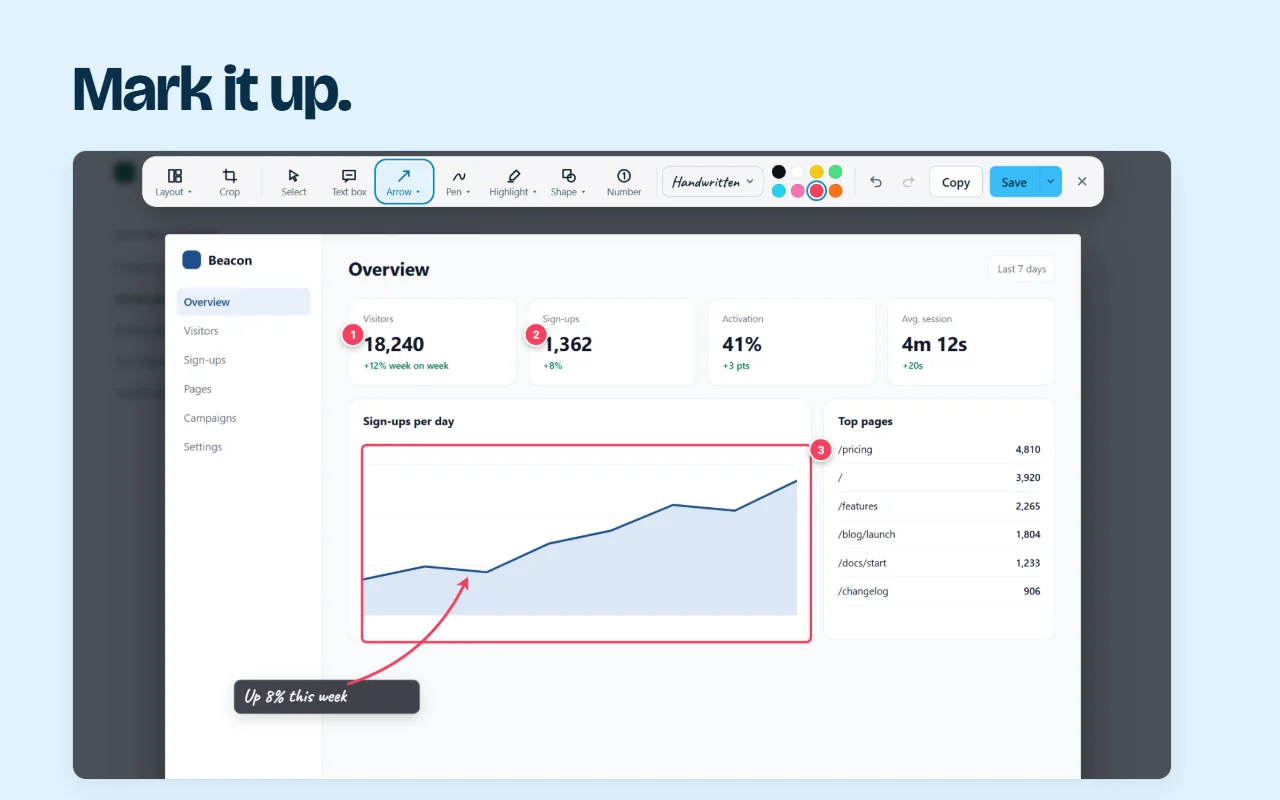
Screenshots Clipboard is a Chrome, Edge, Firefox and Brave extension with an editor built in. Mark the part with a see-through highlighter in three widths, a box or an oval, in yellow, red or six other colours, and put a number or a note next to it. Save it as a copy, or over the original, which you can get back any time. Editing is free. Plus is $2.99 a month or $19 a year.

Questions
What colour is best for highlighting a screenshot?
Yellow on light screens, and a bright pink or cyan on dark ones. Pick a colour that isn’t already in the screenshot.
Can I highlight part of a screenshot in Chrome?
Chrome on a computer has no screenshot editor of its own, so use your computer’s tool or an extension.
Over to you
What do you most often need people to look at first?
Write to us, and a person replies. Write to us