 Screenshots Clipboard
Why a sticky header repeats in a full page screenshot, and how to fix it
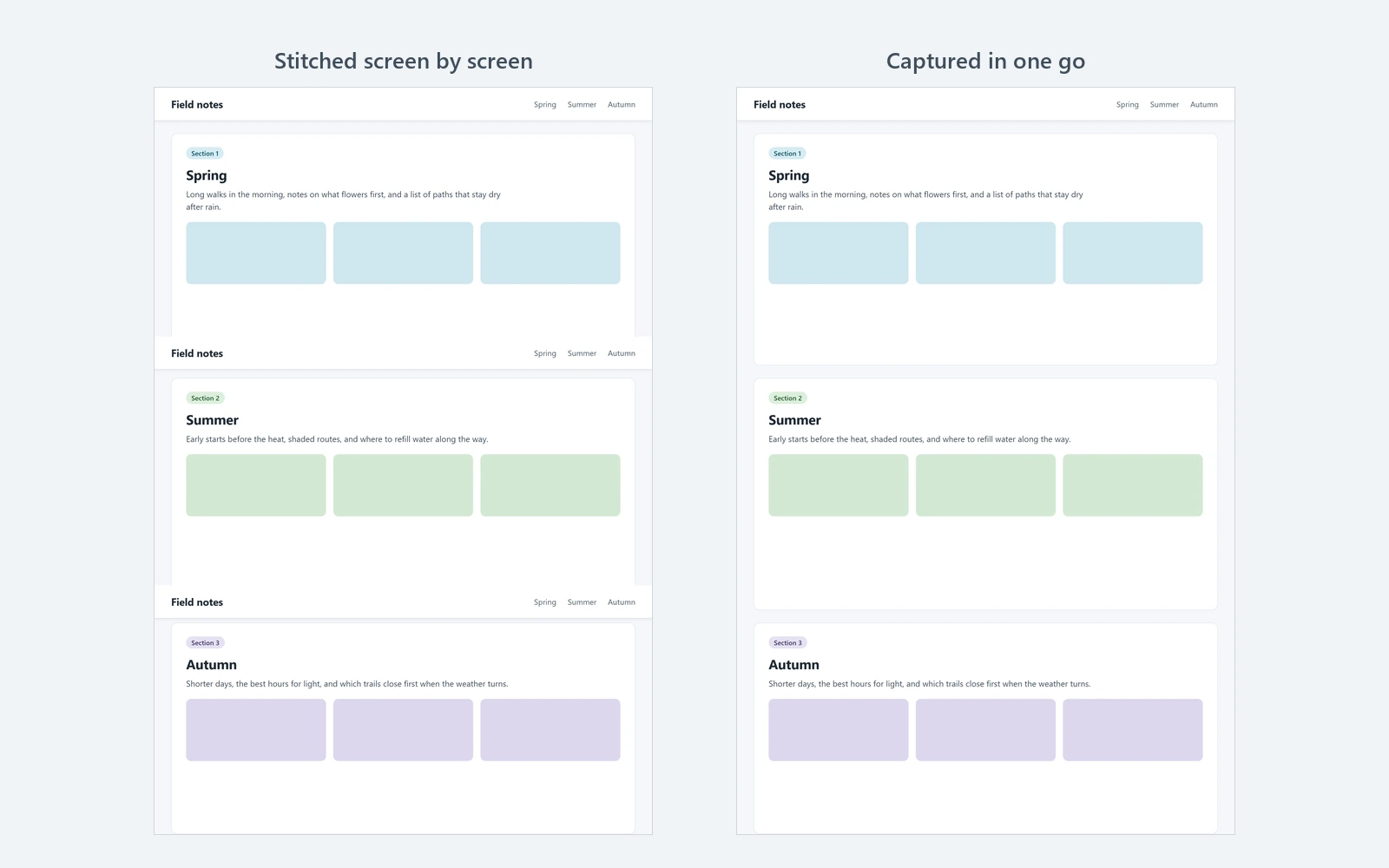
Tools that scroll and join one screen at a time catch a sticky header on every screen, because it stays in place as the page scrolls. To fix it for free, capture with Chrome’s DevTools, which takes the page in one go, or hide the header in DevTools before you capture.
By Manish Kalyan, who makes Screenshots Clipboard. .
In a hurry? Screenshots Clipboard does this in one click. See how
Why does the header show on every screen of my screenshot?
A fixed or sticky header stays put while the page scrolls, so a tool that takes one screen at a time and joins them sees it on every screen. Anything else pinned to the screen does the same.
- Cookie bars and sign-up strips pinned to the bottom.
- Chat bubbles and “Back to top” buttons in a corner.
- Offer strips, like “Free delivery over $50” or “10% off with UPI”.
- Menus that shrink into a slim bar once you scroll.
How do I take a full page screenshot with the header only once?
Use Chrome’s DevTools: it lays out the whole page at once for the capture instead of going screen by screen, so a fixed header shows once, at the top. A bar fixed to the bottom, like a cookie bar, may land at the very end of the picture.
- Scroll to the bottom of the page and back to the top, so pictures that load as you scroll are there.
- Press F12 (Cmd+Option+I on a Mac) to open DevTools.
- Press Ctrl+Shift+P (Cmd+Shift+P on a Mac) and type screenshot.
- Pick Capture full size screenshot. A PNG lands in your downloads.
How do I hide a sticky header before I capture?
Hide it in DevTools first. It works with any screenshot tool, and pressing H again brings the header back.
- Right-click the header and choose Inspect.
- In the Elements panel, click the lines above until the blue box on the page covers the whole bar.
- Press H, or right-click the line and choose Hide element. The header disappears.
- Take your full page screenshot, then press H again to bring the header back.
How do I get rid of cookie bars and chat bubbles?
Answer the cookie bar first, with the most private choice, and close the chat bubble. Hide anything still pinned with H in DevTools, as above.
Does saving the page as a PDF fix it?
Not for a fixed header: when a page is printed, a fixed element is placed in the same spot on every page. Hide it in DevTools first, then press Ctrl+P (Cmd+P on a Mac) and save as PDF.
What else should I check before I capture?
Most other problems come from parts that weren’t ready yet.
- Scroll to the bottom and back, so pictures that load as you scroll are there.
- Close pop-ups and sign-in boxes, or they end up in the picture.
- Let banners at the top finish sliding in, or close them.
- Check the middle and the bottom of the picture before you send it.
Where Screenshots Clipboard helps
Screenshots Clipboard is a Chrome, Edge, Firefox and Brave extension that takes the whole page in one click, top to bottom, with a sticky header shown once. Click Full page or press Alt+Shift+F, then paste it right away, or save it as PNG, JPG or WebP. It’s free; PDFs, and full pages that wait for parts that animate as you scroll, come with Plus.
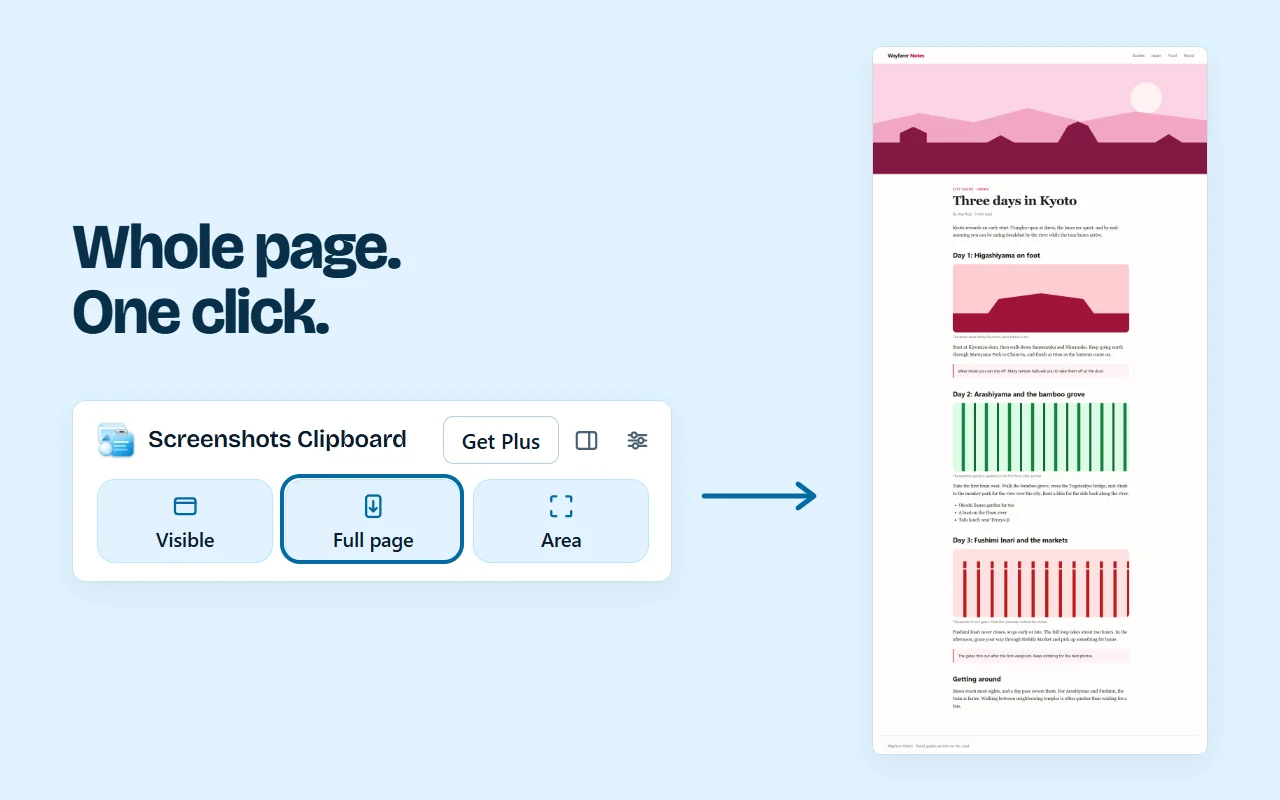
It works in Chrome, Edge, Firefox and Brave on a computer.
Questions
Is a repeating header a bug in my screenshot tool?
Not really: a tool that joins screens sees whatever is on screen each time, and a sticky header is always there. Tools that take the page in one go, or hide pinned parts for you, avoid it.
Why is the cookie bar at the bottom of my DevTools screenshot?
Chrome lays the page out at its full height for the capture, so a bar pinned to the bottom of the window can end up at the bottom of the whole page. Answer or hide it first.
Can I keep the header, just once at the top?
Yes. Chrome’s DevTools capture shows a fixed header once, at the top, and some extensions do the same.
Over to you
Which sites give you a header on every screen: news, shops or your own app?
Write to us, and a person replies. Write to us
Sources
- MDN (Mozilla): CSS position, fixed and sticky, checked 8 Nov 2026
- Chrome DevTools: view and change the DOM, checked 8 Nov 2026
- Chrome DevTools: Command Menu, checked 1 Nov 2026
- Chromium source: how a full size screenshot is taken, and its size limit, checked 8 Nov 2026
- Chromium source: DevTools saves screenshots as PNG, checked 8 Nov 2026
- web.dev (Google): browser-level image lazy loading, checked 8 Nov 2026